Claude Overlay Review
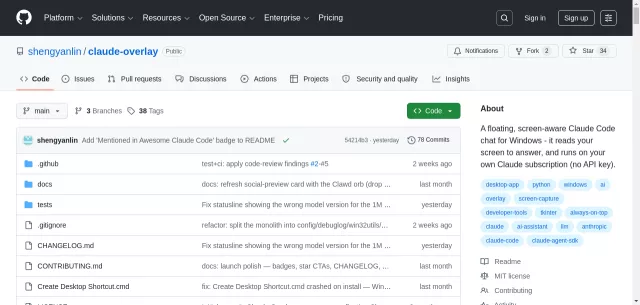
Ever wished your AI assistant could genuinely see what you’re working on, without awkward copy-pasting or context switching? Enter Claude Overlay: a revolutionary floating chat for Windows that brings the full power of Claude Code directly to your screen. It’s a screen-aware agent that integrates seamlessly into your workflow, observing your open applications and monitors for instant, contextual assistance.
Visit Website
Have an AI Tool? Submit it here!
Powering Your Workflow with Claude Overlay
- Screen-Aware Intelligence: Claude Overlay auto-captures all your monitors with every message, allowing Claude to understand context from open documents, presentations, or even error messages, no manual input needed.
- Uninterrupted Flow: Always-on-top and frameless, it never breaks your focus. Collapse it to a discreet orb, with an indicator for task completion.
- Real Agent Capabilities: Running the full Claude Code agent (Opus 4.8), it edits files, runs commands, and interacts with applications like Excel or PowerPoint directly on your screen.
- No Extra Cost: Leveraging your existing Claude subscription via the CLI, it requires zero API keys and incurs no additional metered billing.
- Multi-Monitor Mastery: It captures every screen, reconciling information across multiple monitors effortlessly.
| Feature Highlight | Impact on Your Work |
|---|---|
| Sees What You See | Eliminates tedious copy-pasting and manual context description for your AI. |
| Acts on Your Behalf | Edits documents, builds models in Excel, or fixes typos directly in open apps. |
Who Needs Claude Overlay?
- Developers & Engineers: Debug cryptic errors, understand code, or automate tasks directly within your IDE.
- Analysts & Researchers: Summarize reports, build complex spreadsheets, or reconcile data across multiple screens.
- Presenters & Educators: Fact-check, translate, or answer questions during presentations without leaving full-screen mode.
- Multilingual Professionals: Translate or explain foreign language content on any page, document, or slide.
- Anyone Seeking Efficiency: For complex GUI interactions, quick lookups, or context-aware help without breaking flow.
Top Alternatives to Claude Overlay
Let’s explore and discover the best alternatives and similar tools to Claude Overlay, carefully selected and ranked based on functionality, reliability, and user experience.