Screen Awesome Review
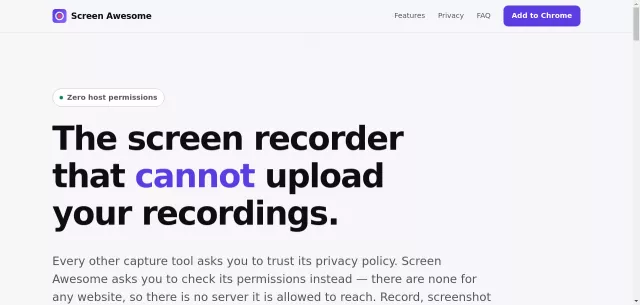
In a digital landscape where every tool seems to demand your data, Screen Awesome stands out as a refreshing anomaly. It’s the free Chrome screen recorder and screenshot tool that cannot upload your video. Designed with a verifiable commitment to privacy, this extension ensures your captures remain entirely on your machine, offering peace of mind you can actually check. Forget privacy policies; Screen Awesome has no host permissions, making server uploads architecturally impossible.
Main Features
Screen Awesome isn’t just about privacy; it’s packed with powerful features that make screen capture effortless and professional, all without ever touching a server.
- Local-Only Operation: Records and stores everything in your browser’s IndexedDB. No cloud, no account, no host permissions – your data never leaves your machine.
- Rich Annotation Tools: Add arrows, use a pen, highlight, insert shapes, text (any system font), speech bubbles, step counters, emoji stamps, crop, and insert images. Every mark stays editable.
- MP4 Export: Records directly to MP4 wherever Chrome supports it, ensuring files drop straight into Slack, Google Docs, and video editors without conversion. WebM and animated GIF exports are also available.
- Auto-Zoom to Clicks: Achieve screencast polish without an editor. While recording a tab, Screen Awesome notes your clicks, then the studio glides a virtual camera onto each one and pans between them.
- Comprehensive Capture Modes: Capture visible area, a dragged region, a full-page stitched together as it scrolls, outside the browser, or on a timer. Mix in microphone audio, tab audio, and a composited webcam bubble.
- Truly Free: Absolutely no watermarks, no recording length limits imposed by us, no paid tiers, and every annotation tool is unlocked from the start.
| Capability | Screen Awesome | Typical Capture Extension |
| Can upload your captures | No (architecturally impossible) | Yes, that is the cloud feature |
| Account or sign-in | Never | Usually required to share |
| Host permissions | None | Often, via broad site access |
Main Target
Screen Awesome is engineered for the discerning user who demands powerful screen recording and screenshot functionality without compromising on privacy. This includes:
- Privacy-Conscious Professionals: Anyone wary of proprietary cloud services and data harvesting.
- Developers and QA Teams: For creating bug reports, documenting workflows, or crafting tutorials where data must remain local.
- Educators and Students: To produce secure presentations, lecture captures, or study guides without an account or an internet connection.
- Local-First Users: Individuals needing quick, high-quality captures for immediate, direct sharing, bypassing any third-party infrastructure.
It’s for those who appreciate robust tools with transparent, built-in privacy.
Top Alternatives to Screen Awesome
Let’s explore and discover the best alternatives and similar tools to Screen Awesome, carefully selected and ranked based on functionality, reliability, and user experience.