Calerto for Mac Review
Introducing Calerto for Mac, the elegant solution to a universal problem: missing your online meetings. Forget the fleeting banner notifications or the subtle dock icon bounces. Calerto takes center stage on your macOS screen, delivering a full-screen alert that ensures you never miss a critical sync-up or a vital brainstorm session again. It’s designed for those who value focus yet need reliable reminders, a true digital sentinel for your busy schedule.
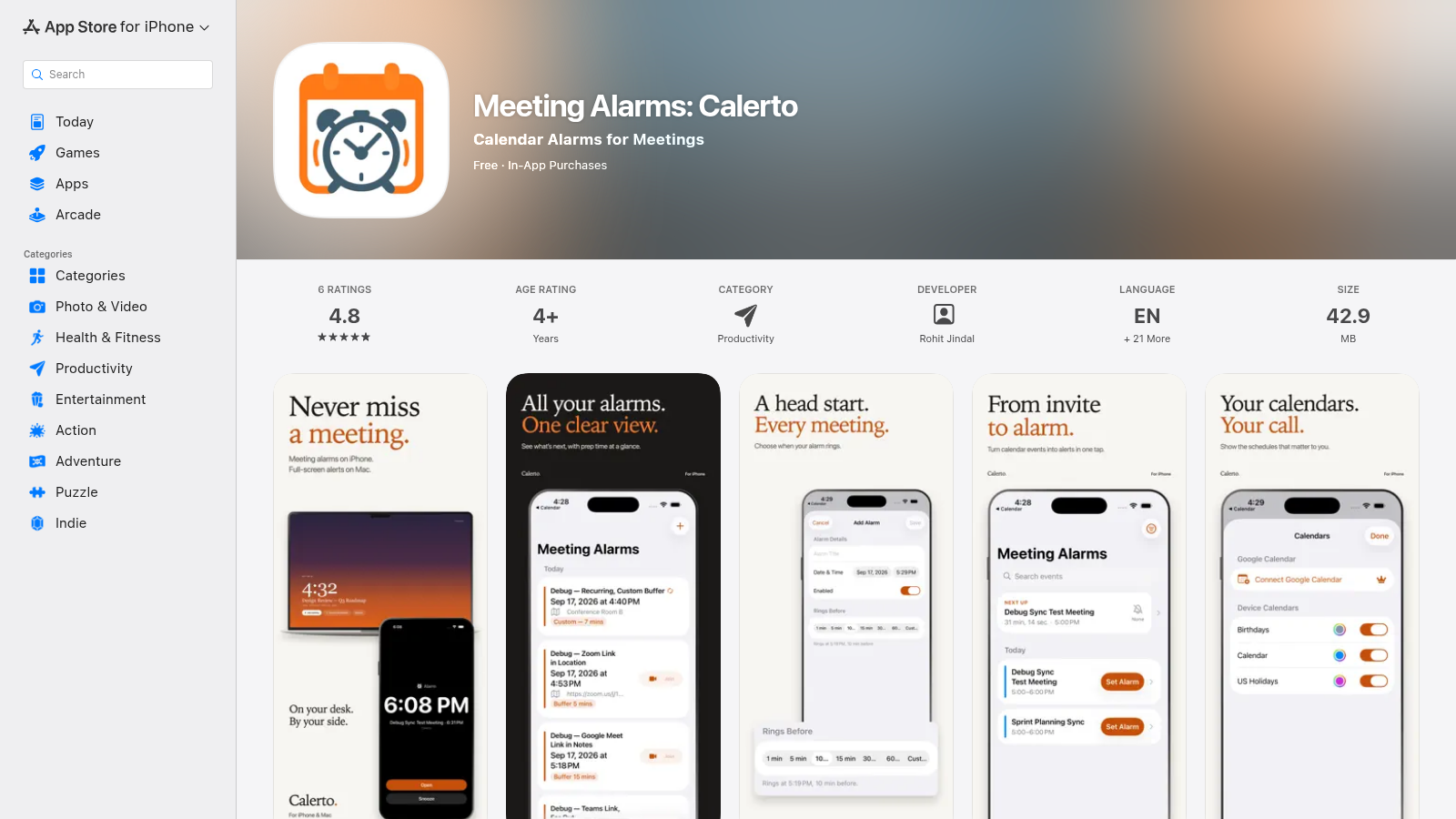
Beyond the Banner: Core Functionality
Calerto isn’t just another notification system; it’s an intelligent intervention. By presenting a full-screen alert, it cuts through the digital clutter, providing an undeniable prompt for your upcoming engagements. This isn’t about being annoying, it’s about being effective – especially when you’re deep in thought, coding, designing, or researching.
- Unmissable Alerts: Full-screen takeover ensures you cannot overlook an upcoming meeting.
- Focus Protection: Designed to snap you out of deep work gracefully, without constant nagging.
- Minimalist Design: A clean, unobtrusive interface that blends seamlessly with macOS aesthetics.
- Simple Integration: Hooks into your existing calendar setup for effortless scheduling.
Who Needs This Pixel-Perfect Prompt?
While anyone can benefit from Calerto, certain power users and professionals will find it indispensable. It’s built for those who thrive on deep work but dread the unexpected ping that signals a missed appointment.
Top Alternatives to Calerto for Mac
Let’s explore and discover the best alternatives and similar tools to Calerto for Mac, carefully selected and ranked based on functionality, reliability, and user experience.